iPhone app
Noonmark
Public test coming soonA calm intermittent fasting timer built around one simple dial. No ads, no account and no subscriptions.
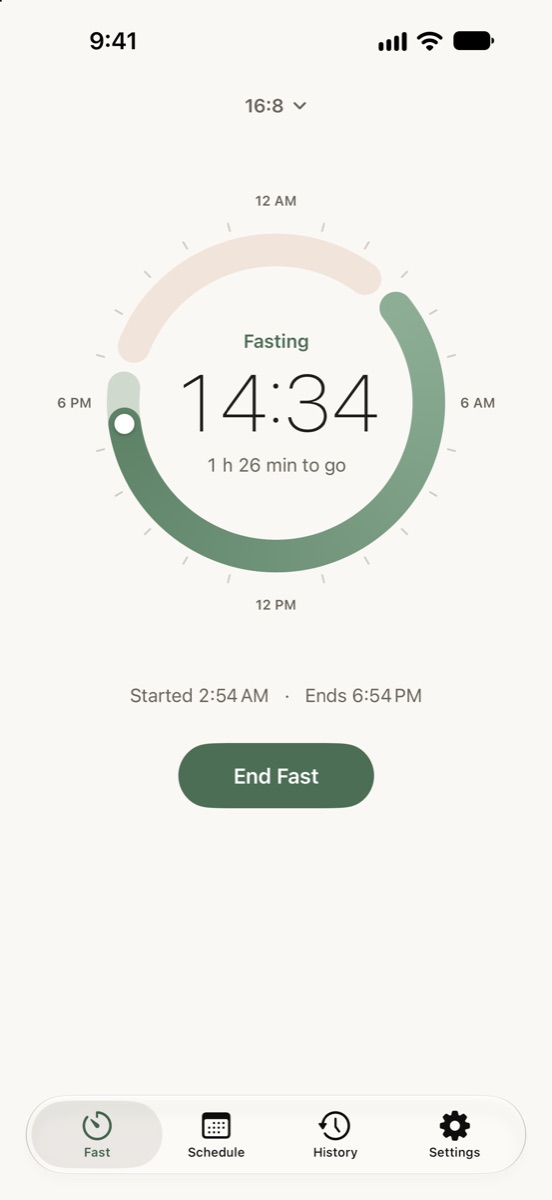
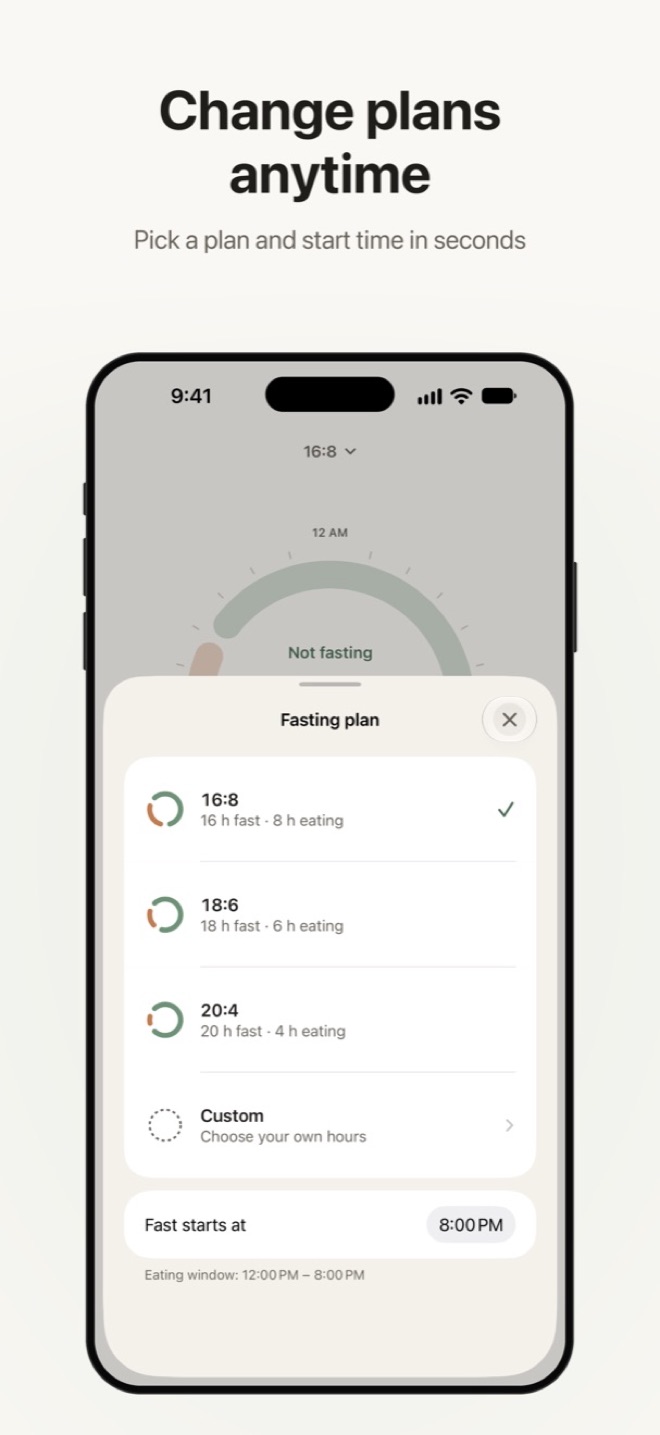
- A 24-hour dial you can turn to set when a fast started
- Automatic fasts on the days you choose, with reminders
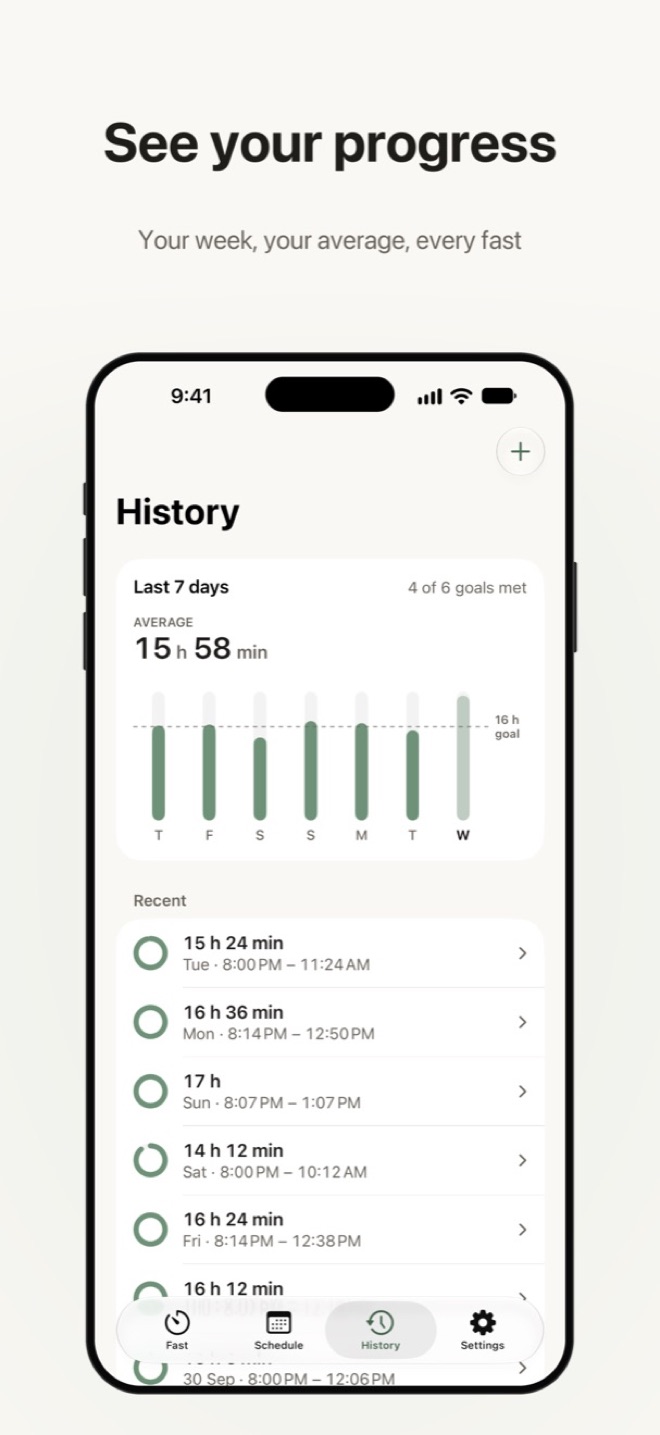
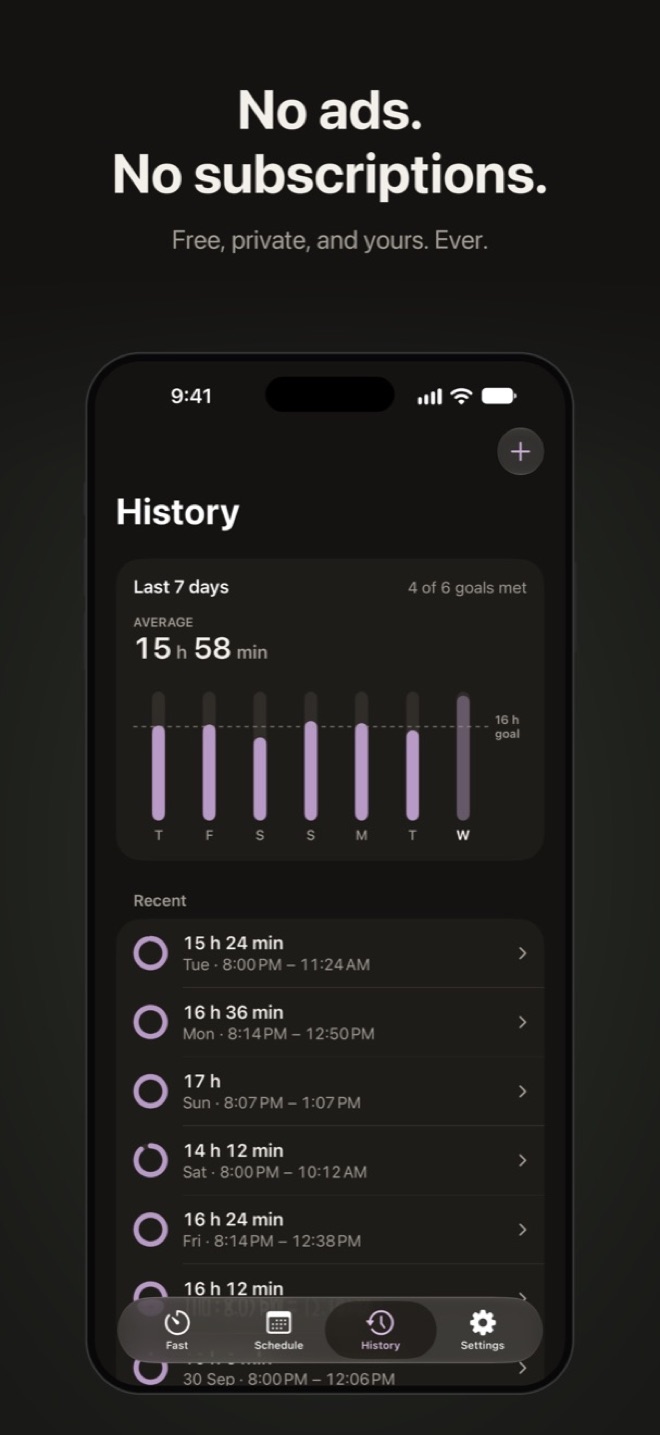
- Live Activity, widgets and a week-at-a-glance history
A TestFlight beta is coming soon, then the App Store. It’s free, with an optional tip. Your fasting history stays on your iPhone.
A look inside
Scroll or swipe to see more.
Features
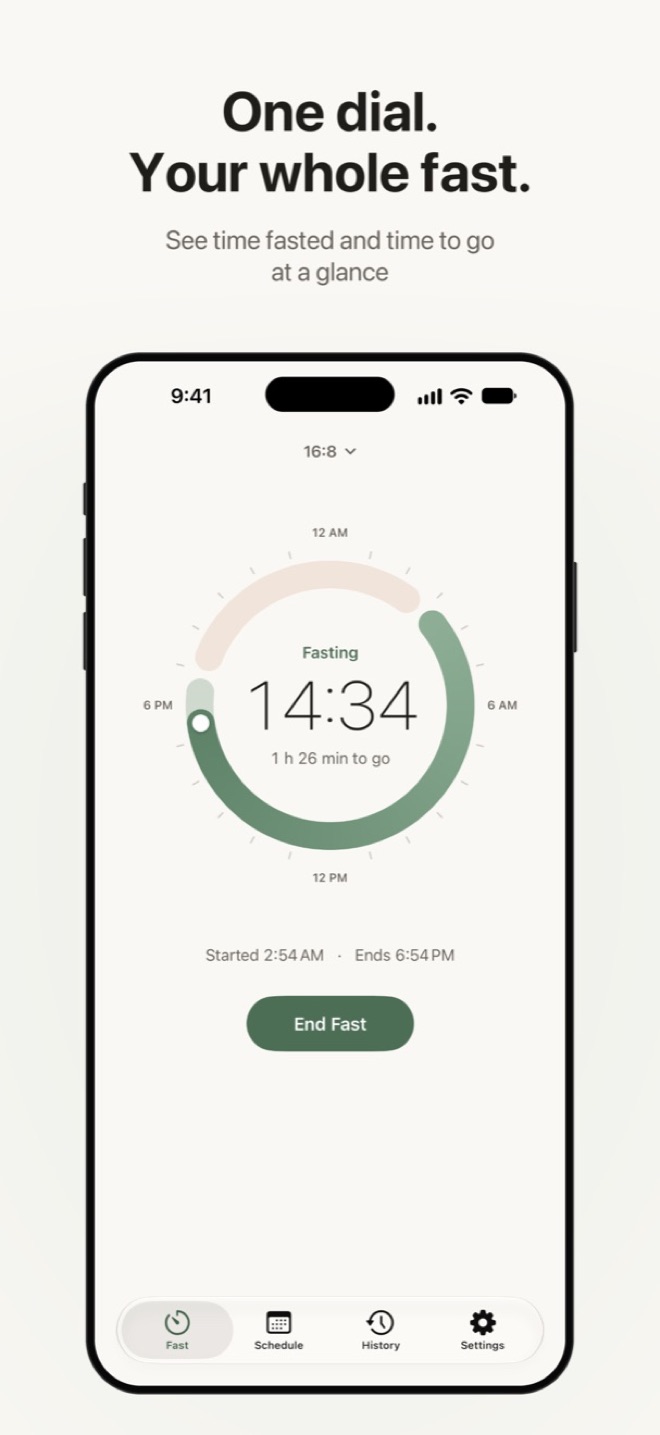
One dial
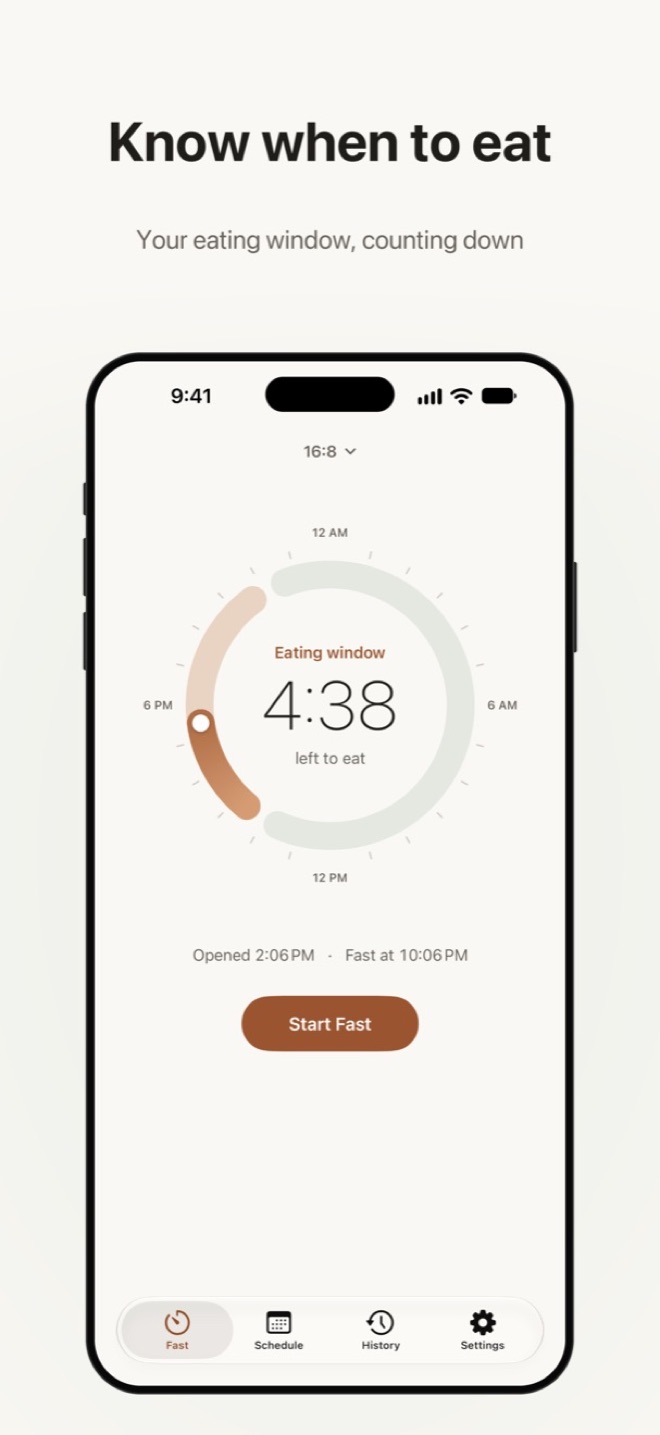
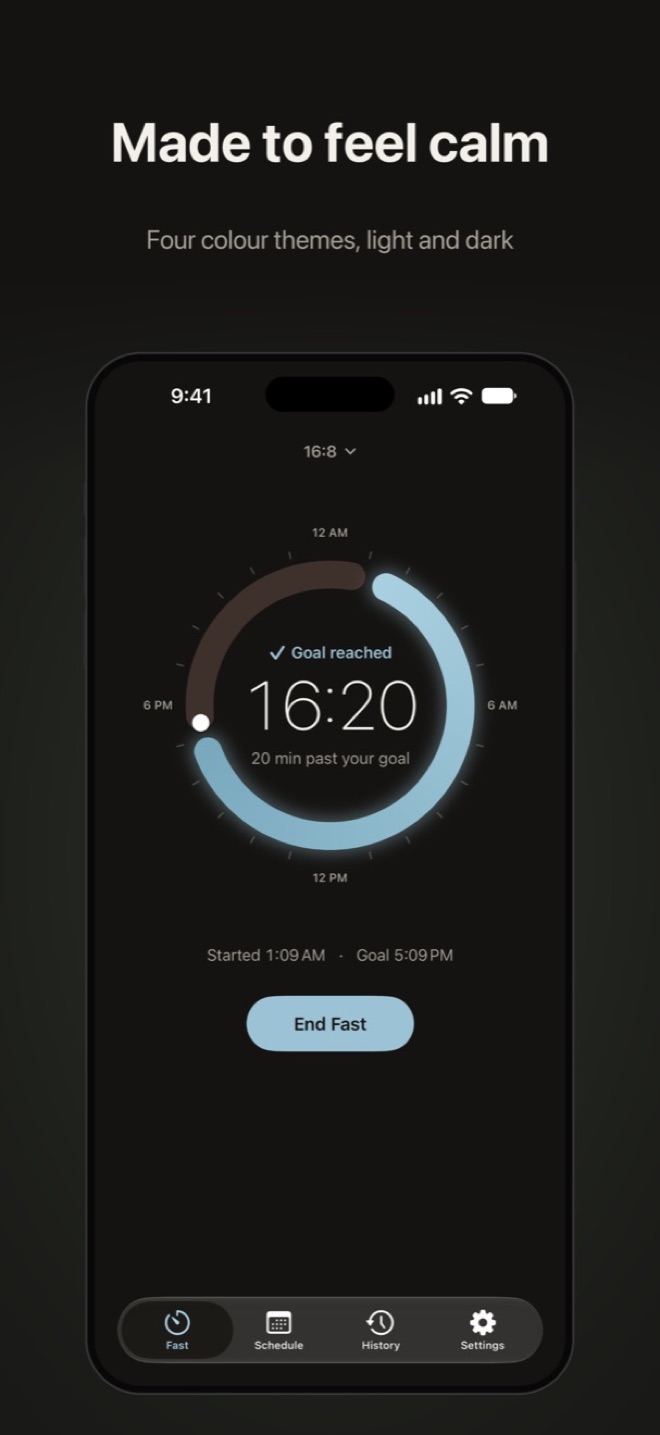
A 24-hour dial shows your fast and eating window at a glance. Turn it to set when a fast really started.
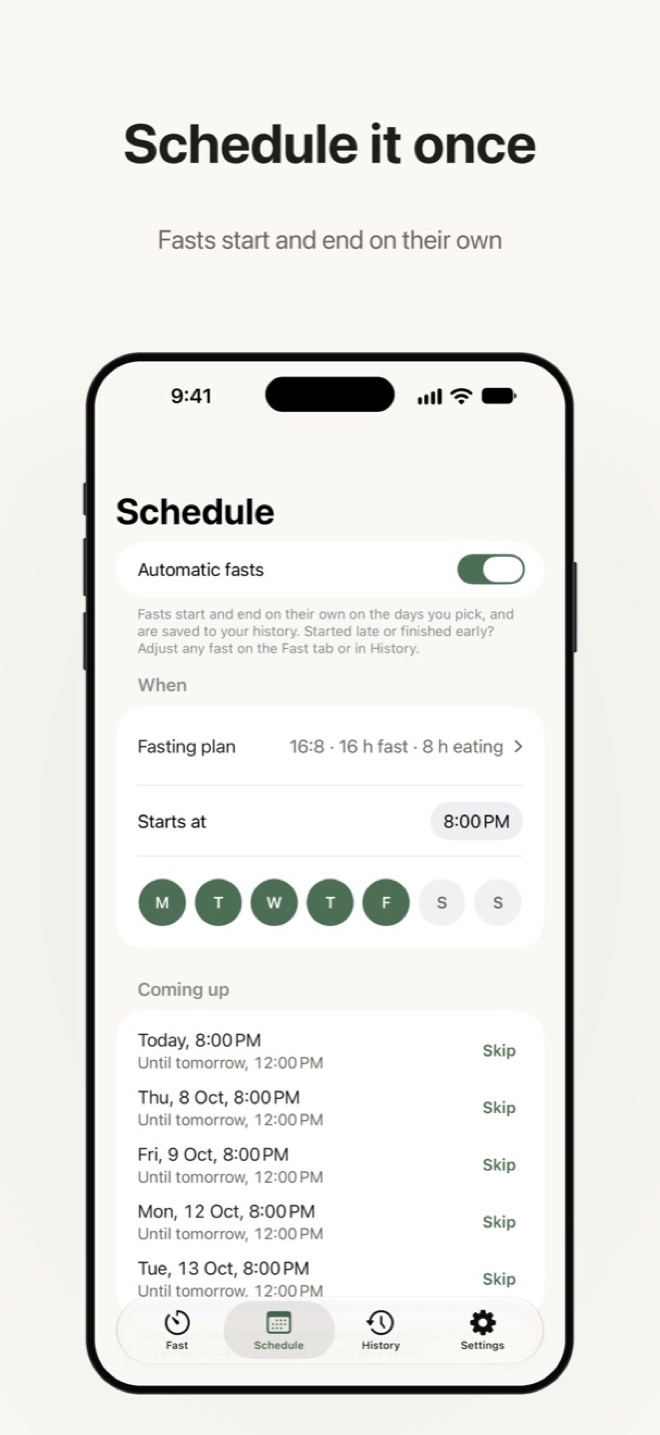
Schedule it once
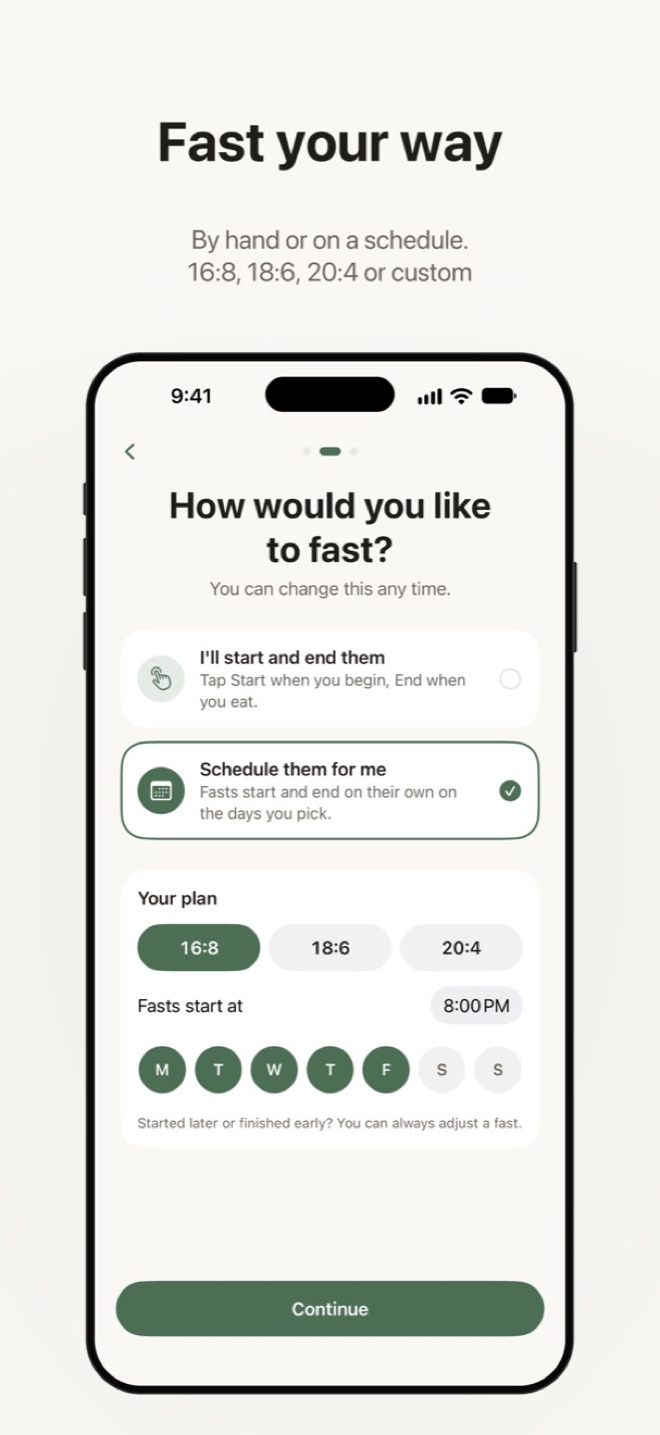
Pick your days and start time. Fasts start, end and save themselves, and you can skip a day.
Always in view
A Live Activity, Home Screen and Lock Screen widgets, and gentle reminders as the end gets close.
Private by design
No account, no ads, no analytics. Your history stays on your iPhone.
Noonmark help
Answers to common questions. Still stuck? Email Relay with “Noonmark” in the subject line.
Noonmark is a timer and journal, not medical advice. If you’re pregnant or breastfeeding, have diabetes, a history of eating disorders or any medical condition, talk to your doctor before fasting.
How do I change when a fast started or ended?
On the Fast tab, tap the time under the dial, or turn the dial itself. Past fasts can be changed or deleted from History. If a new time overlaps another fast, Noonmark asks before adjusting it.
I forgot to log a fast. Can I add it?
Yes. In History, tap + and enter when the fast started and ended.
How do automatic fasts work?
In the Schedule tab, turn on Automatic fasts and choose your days and start time. Each fast starts and ends on its own and is saved to History. You can skip a day, or adjust any fast if you started late or finished early.
Why did the Live Activity disappear from my Lock Screen?
iOS ends Live Activities after about 8 hours and keeps them on the Lock Screen for up to 4 more. Open Noonmark during a longer fast to start a fresh one. Reminders still arrive at 4 hours to go, 30 minutes left and when the fast is complete.
I’m not getting reminders.
Check that notifications are allowed for Noonmark in the iPhone’s Settings app, and that the reminders you want are switched on in Noonmark’s Settings tab. Focus modes can also hold notifications back.
Where is my data stored? How do I delete it?
Everything is stored on your iPhone and is never sent to Relay or anyone else. Delete a fast from History, or delete the app to remove all of its data. Optional iCloud backup is coming soon, so your history can follow you to a new iPhone. It will stay in your own iCloud account, never on Relay’s servers.
Is Noonmark really free?
Yes. There are no ads, no account and no subscriptions. A small optional tip may be offered in Settings; it never unlocks or hides anything.